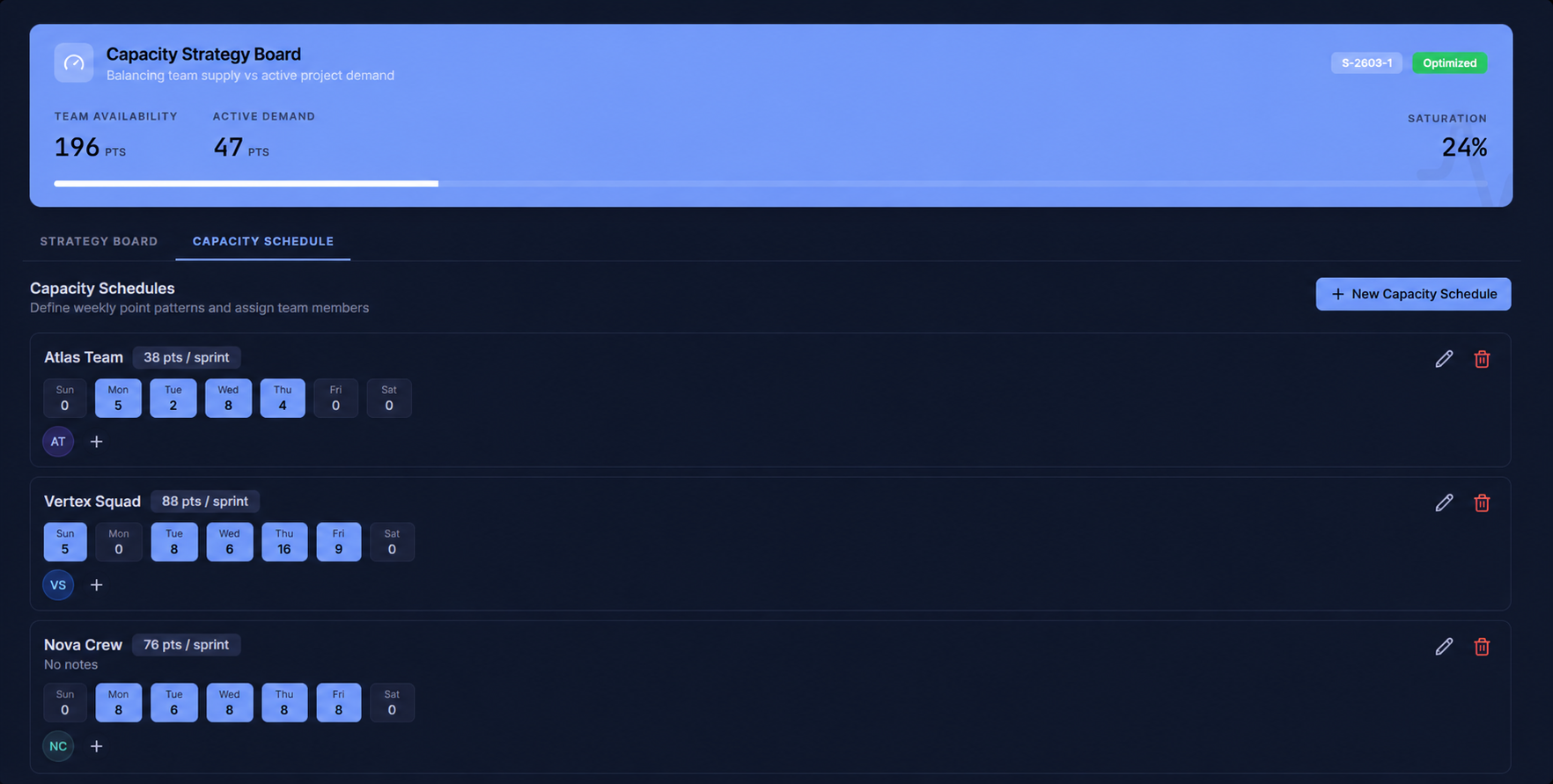
See your whole team’s availability at a glance.
The sprint calendar shows every team member across every day of the sprint. Days off surface automatically so you always know who’s available — before you assign a single task.
- Full sprint view: every member, every day side by side
- Days off shown inline — no guessing or asking around
- Sprint selector to switch between sprint periods instantly
- Manage Holidays shortcut built right into the header
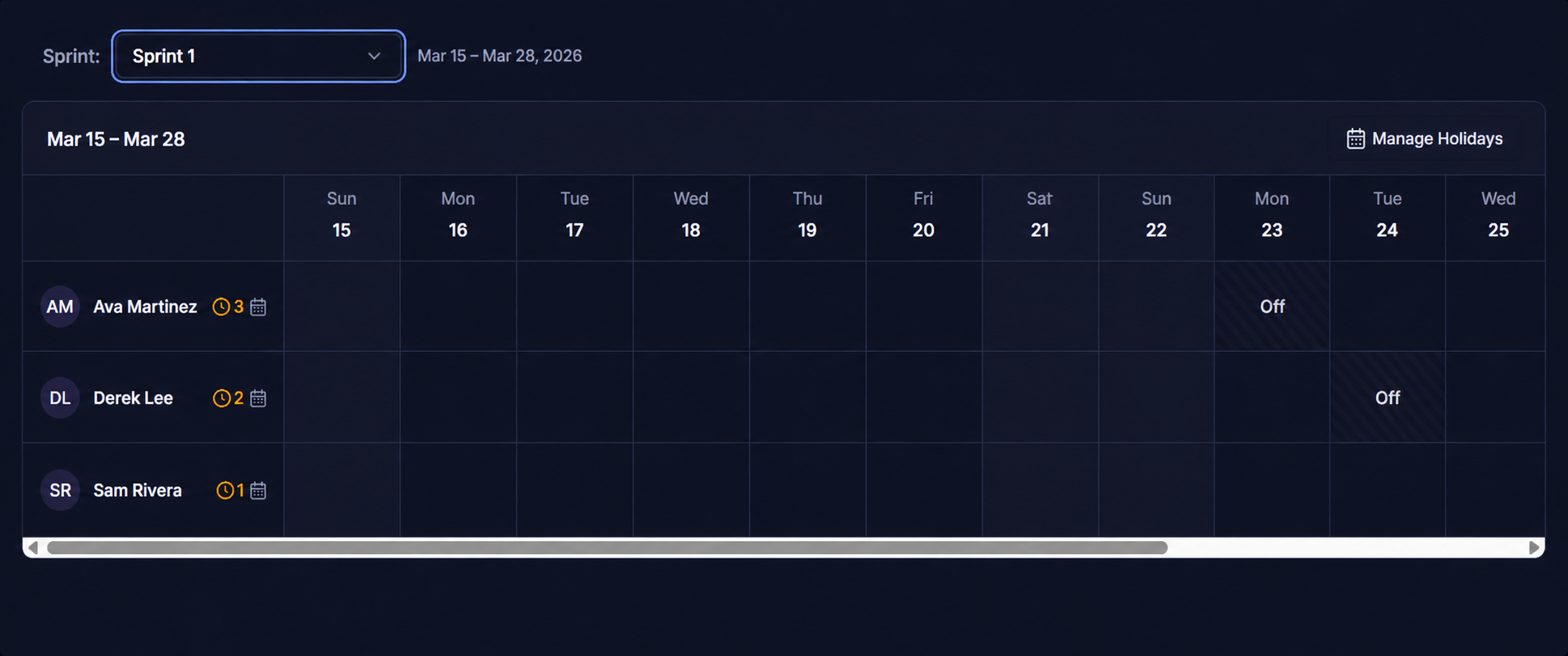
Log vacation, right inside the sprint.
Each team member has their own schedule panel. Add full or partial days off with a reason, and they’ll appear on the calendar automatically — so capacity planning always reflects reality.
- Personal Days Off and Project Holidays tabs per member
- Set date, type (Full Day / Half Day), and reason
- Days off appear on the sprint calendar instantly
- Full history of logged time off in one place
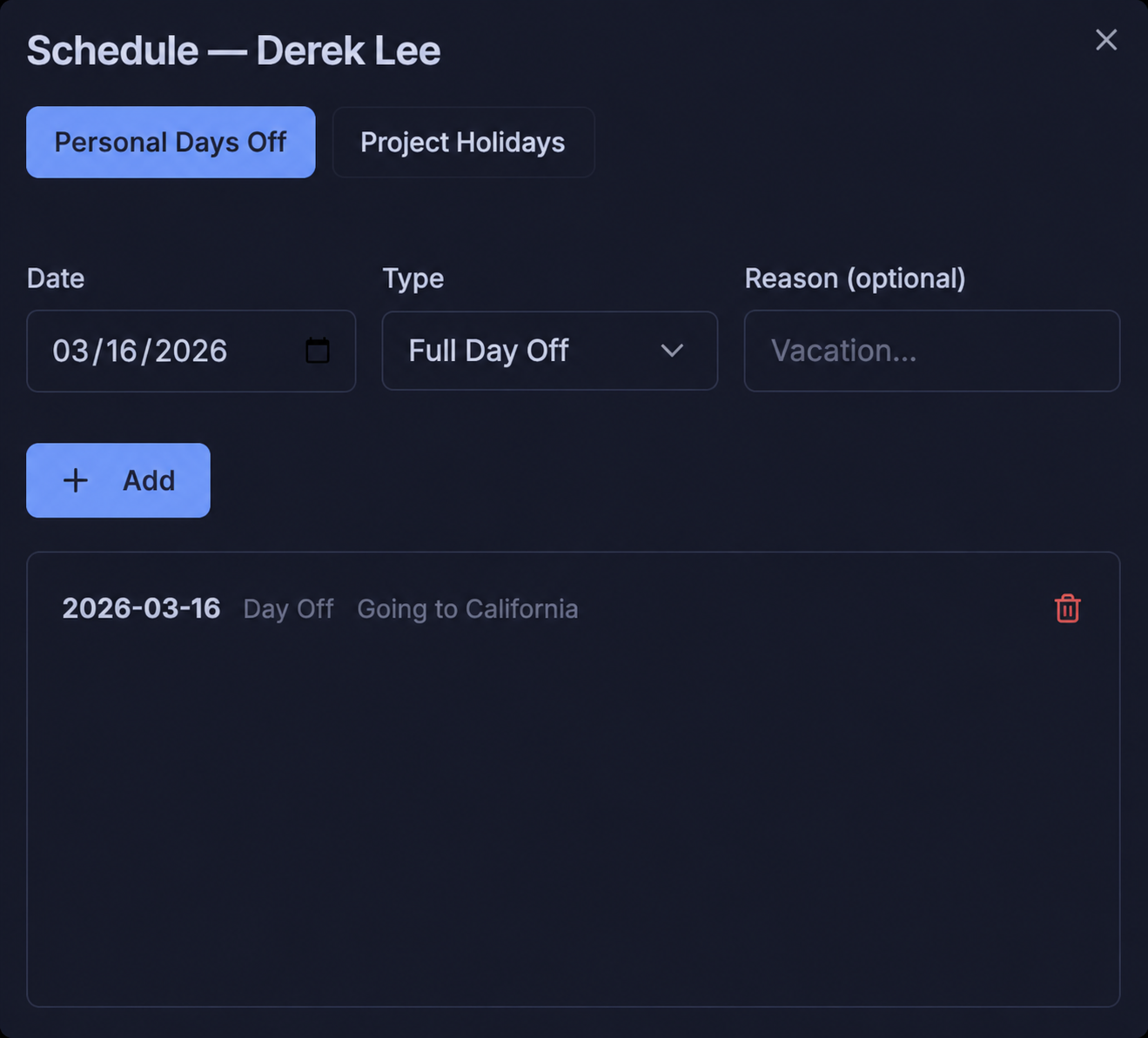
Every member. Every task count. Every day.
The workload grid gives a focused view of your team’s task load per day. Orange indicators flag over-scheduled members instantly, so leads can shift work before the sprint even starts.
- Per-member row showing task counts and off days
- Orange indicators for over-scheduled team members
- Calendar icon to quickly open each member’s schedule
- Compact view perfect for daily standups and sprint reviews
Balance the load. Prevent burnout before it happens.
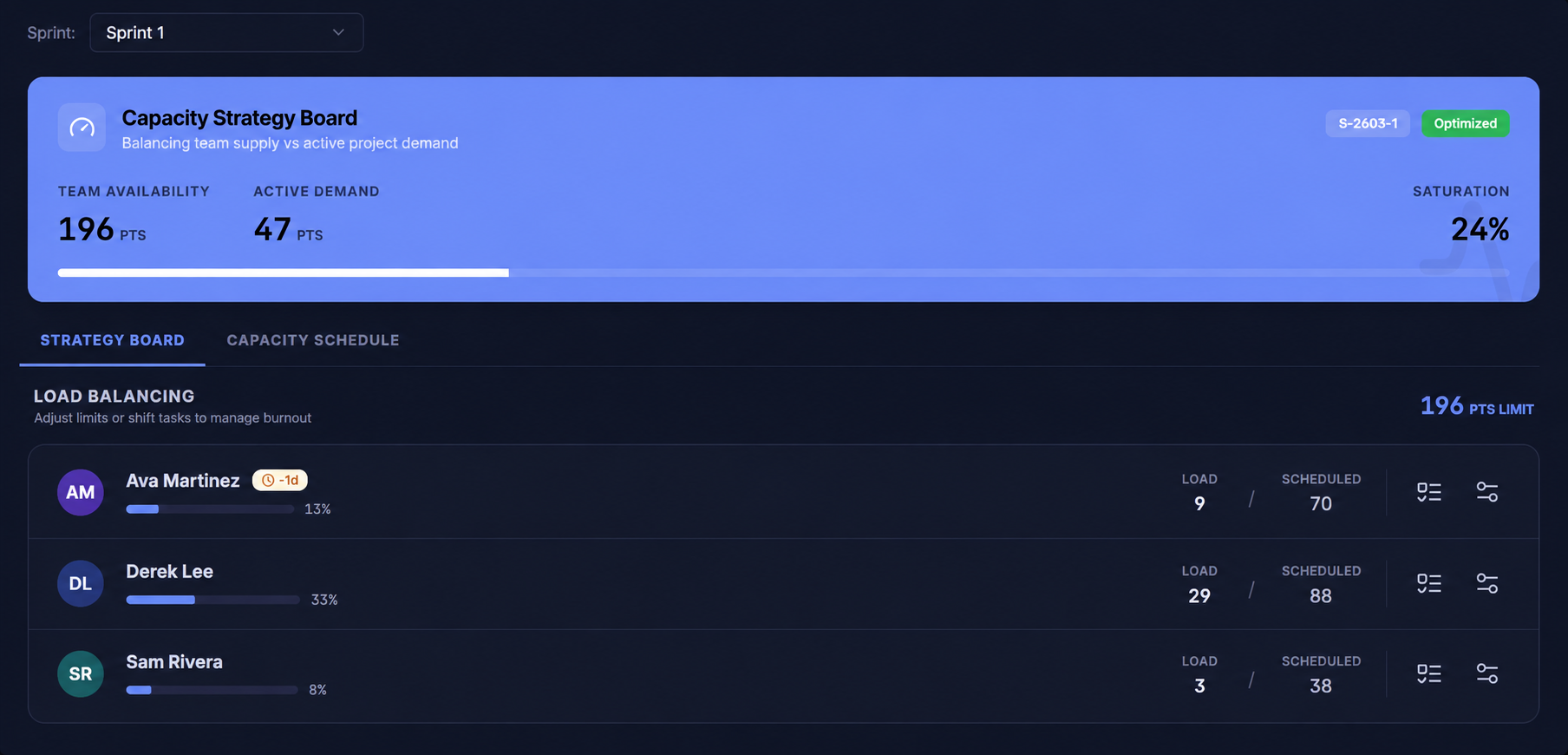
The Capacity Strategy Board shows team availability vs. active demand in real time. The Load Balancing view lets you see saturation per member, shift tasks, and keep every sprint optimized.
- Team availability, active demand & saturation % at a glance
- Per-member load & scheduled points side by side
- Optimized status badge when the sprint is balanced
- Shift tasks or adjust limits directly from this view
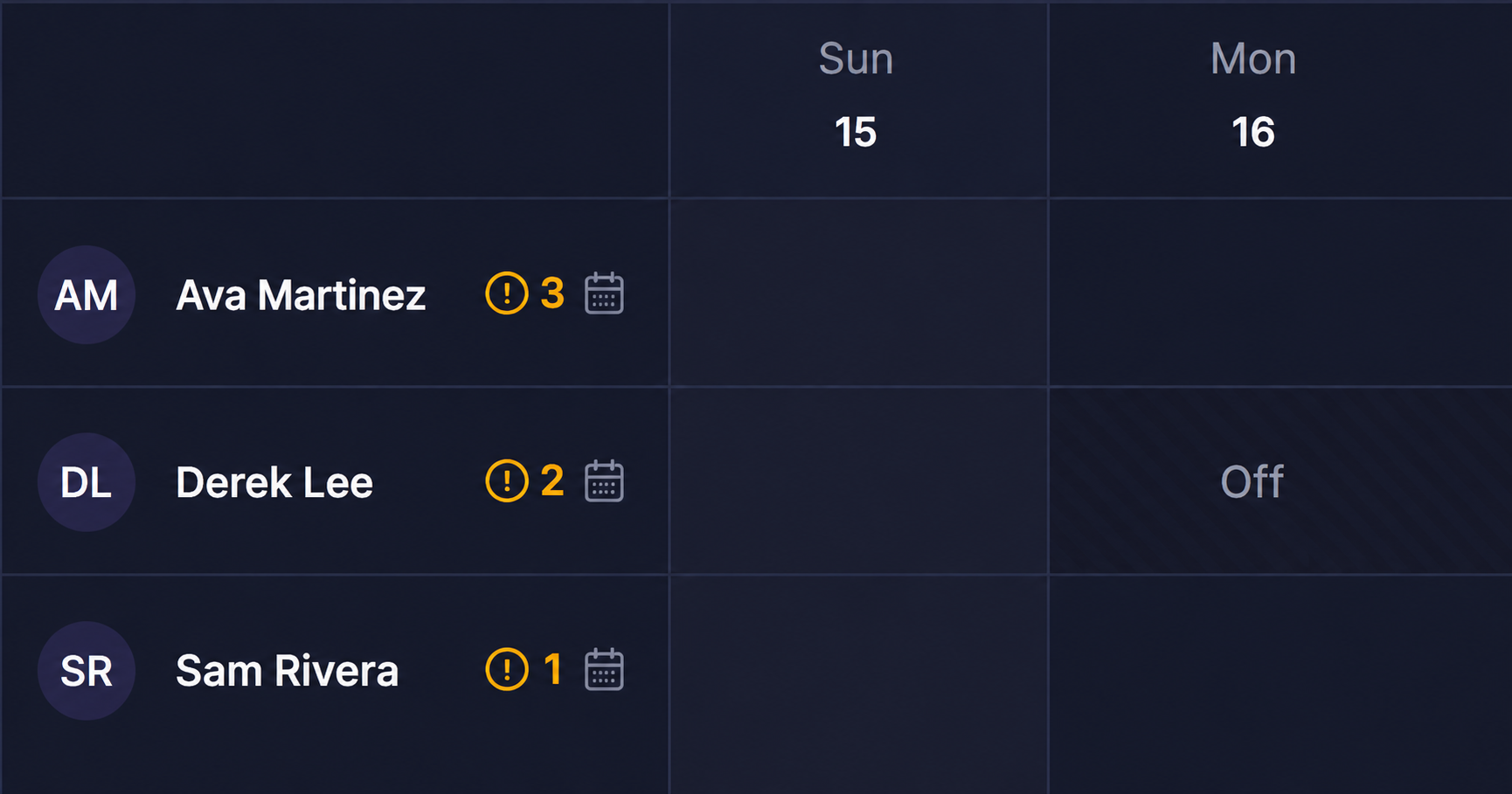
Define exactly how many points each person carries.
Create named capacity schedules with per-day point patterns and assign team members to them. Every sprint auto-calculates availability based on real schedules — not guesswork.
- Named schedules with per-day point allocations (Mon–Sat)
- Assign one or more team members per schedule
- Points per sprint calculated automatically
- Create new schedules for roles, part-timers, or contractors