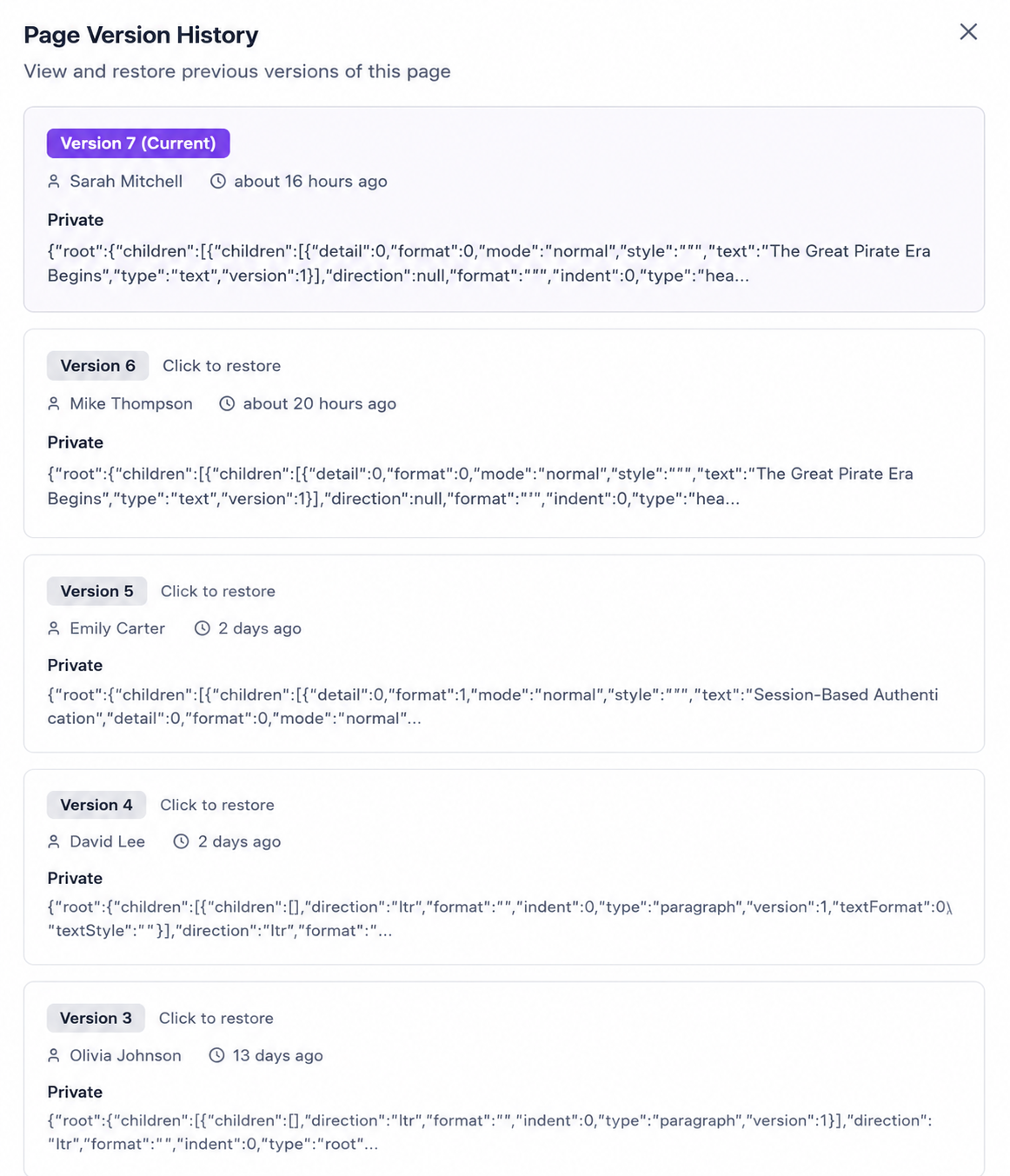
Your team's knowledge, organised in one place.
The Knowledge Base home gives your team a clear view of every space — public and private. Browse by department, search across all spaces, or jump straight into a space to find what you need. Everything is organised, accessible, and always up to date.
- Public and private spaces for every team
- Search across all spaces instantly
- Create new spaces for any team or project
- See all spaces at a glance from one home screen
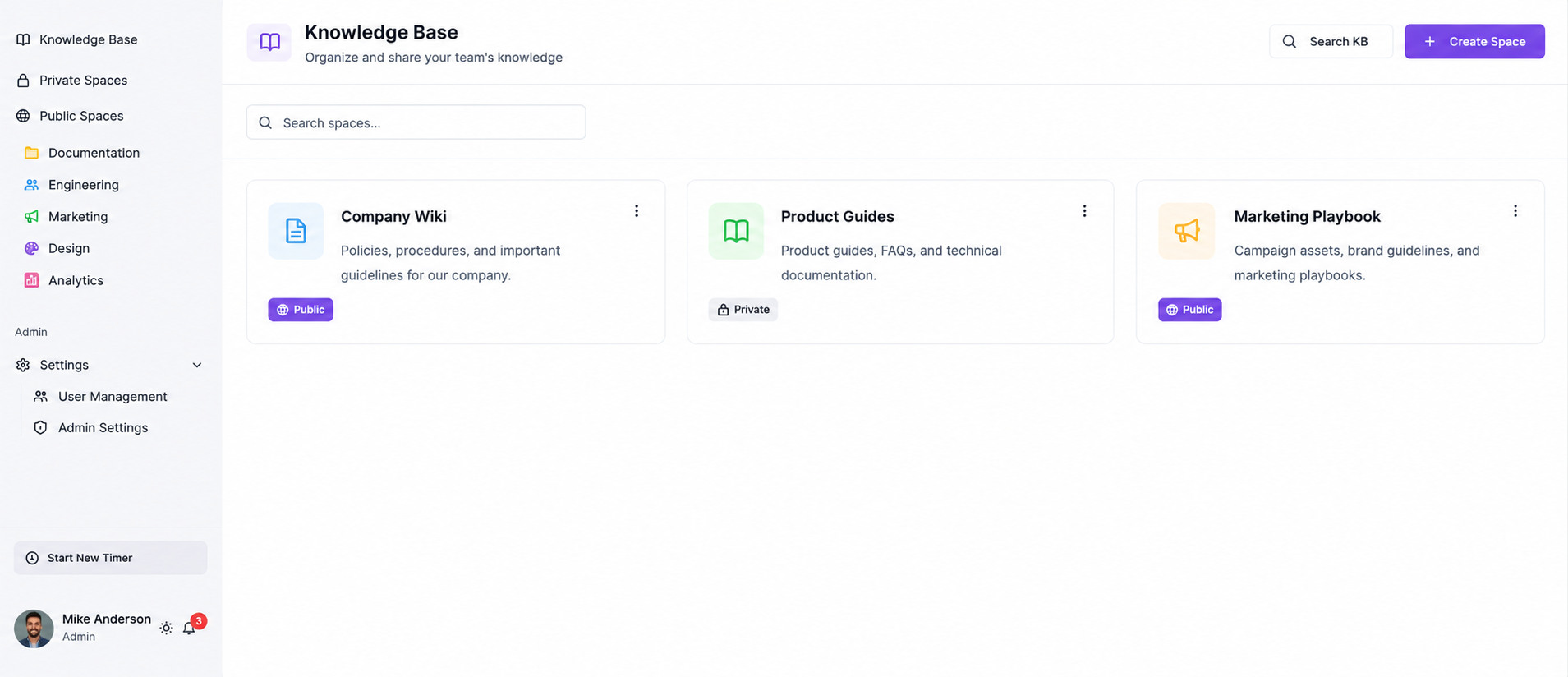
Write beautifully. Format with freedom.
A powerful editor that gets out of your way. Add headings, bullet lists, bold text, inline code, and more — with a clean toolbar that appears exactly when you need it. Perfect for runbooks, onboarding docs, and technical wikis.
- Headings, lists, bold, italic, strikethrough
- Inline code blocks & formatting
- Insert media, links & embeds
- Auto-save as you type — no data loss
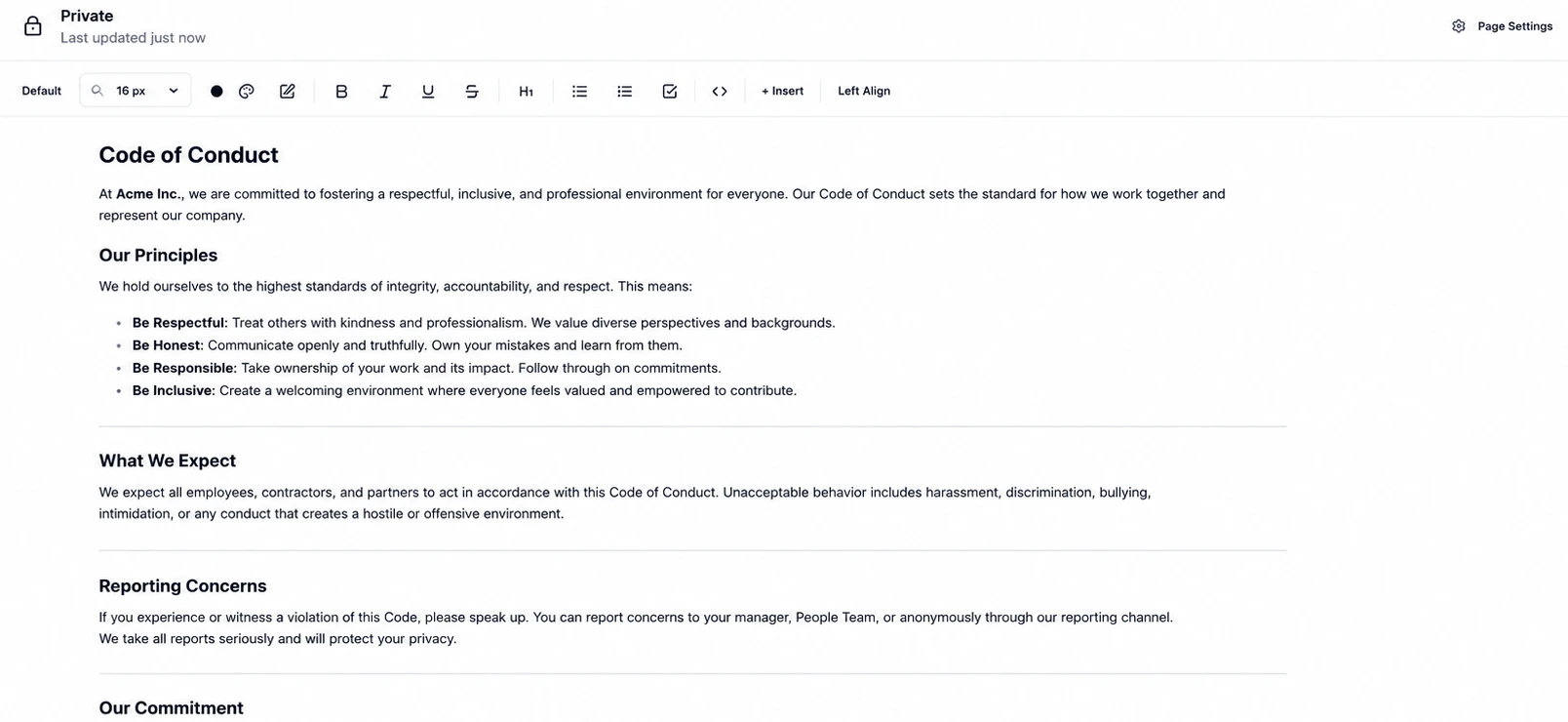
Ask the AI anything about your pages.
Llumo's AI doesn't just search — it reads your knowledge base and gives you a direct answer, pulled from the exact pages your team wrote. Ask about a specific doc, a process, or a team member's notes and get an instant cited response.
- Ask questions about any specific page or space
- AI answers sourced directly from your content
- Cited responses with page references
- Works across all public & permitted spaces
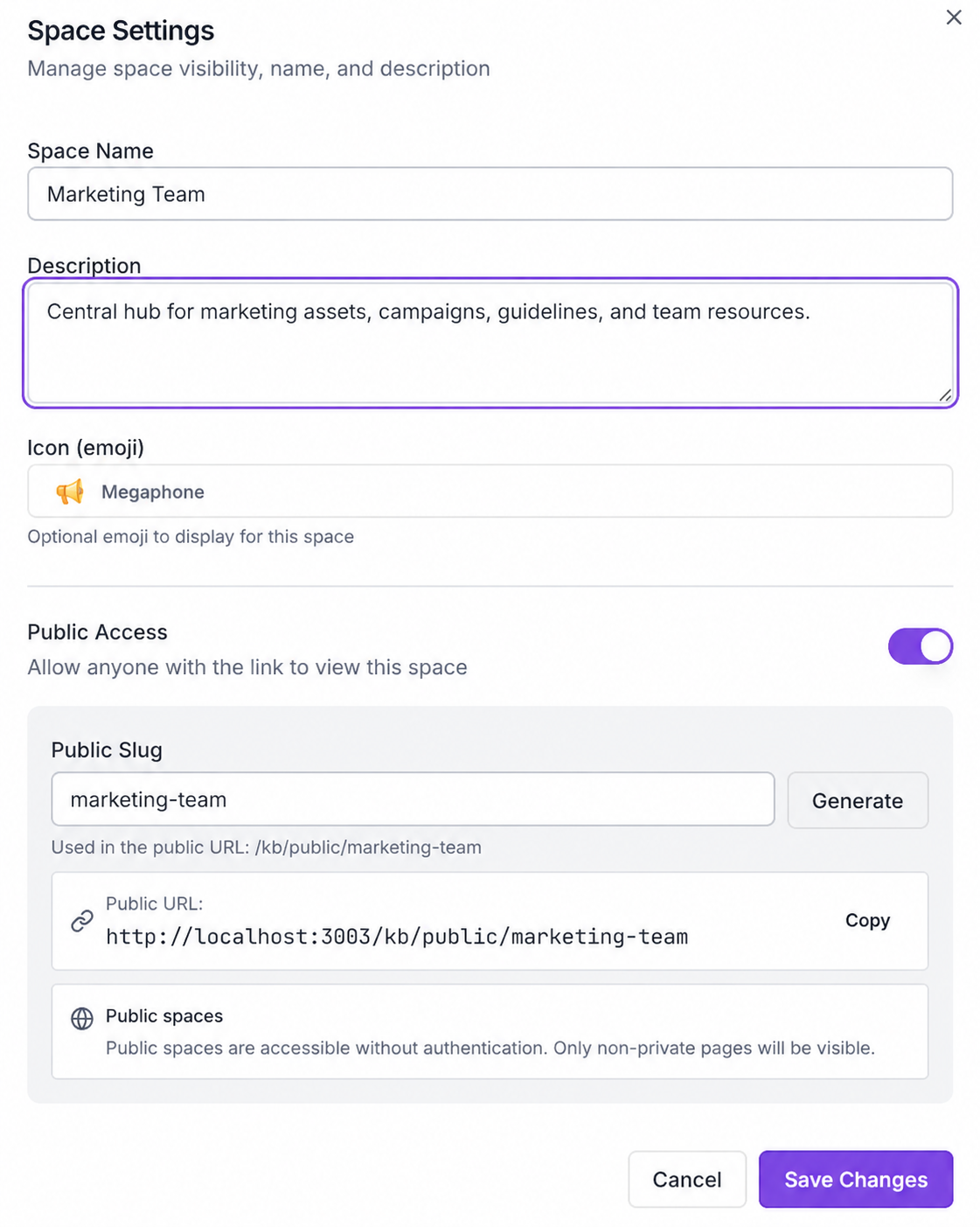
Control your space. Your rules.
Customize each knowledge space with a name, description, and icon. Toggle public access on or off, generate a shareable public slug, and give external stakeholders read-only access via a public URL — no login required.
- Custom name, description & emoji icon
- Toggle public or private access instantly
- Generate a clean public URL for sharing
- Public spaces viewable without authentication
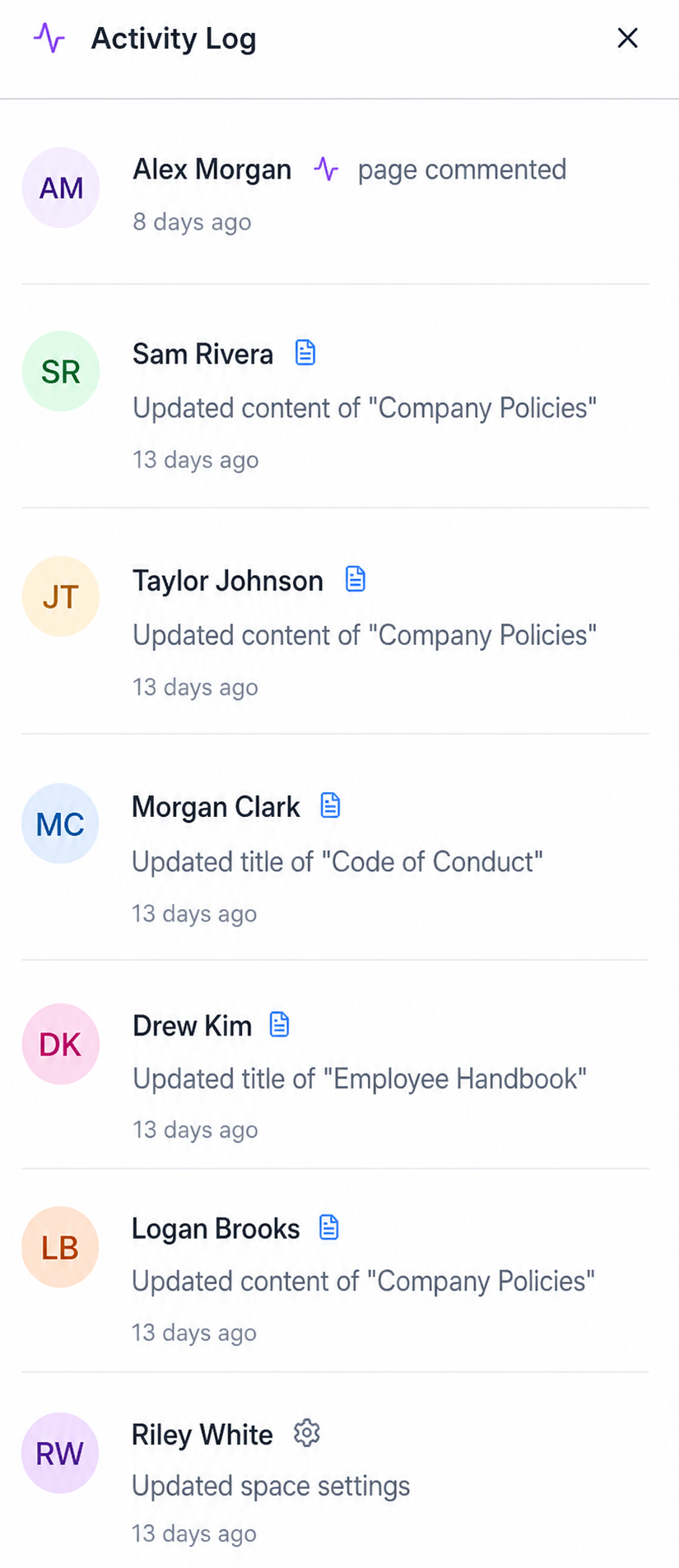
See everything happening in your space.
A live activity feed shows every page edit, comment, title change, and settings update — with timestamps and author info. Stay on top of what's changing across your knowledge base without having to check every page manually.
- Real-time log of all space activity
- See who created, edited, or commented
- Timestamped events with author avatars
- Refreshes every 30 seconds automatically
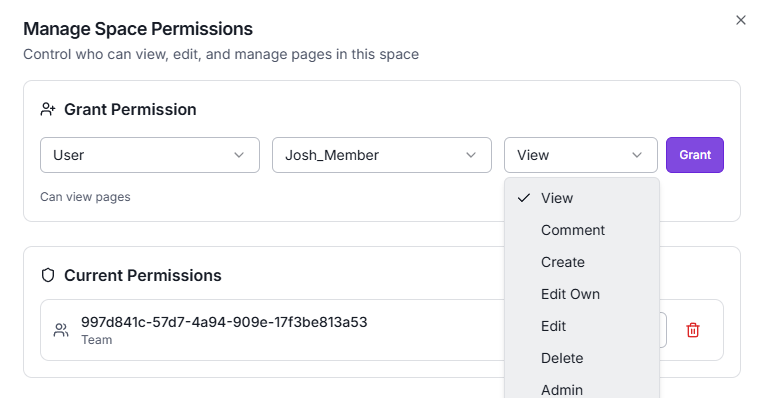
Control exactly who can do what.
Grant granular permissions to any user or team — from View-only all the way to Admin. Mix and match roles across spaces so every person has exactly the access they need, and nothing more.
- View, Comment, Create, Edit, Delete, Admin roles
- Grant permissions per user or team
- Current permissions panel at a glance
- Revoke access instantly with one click
Write beautifully. Format with freedom.
A powerful editor that gets out of your way. Add headings, bullet lists, bold text, inline code, and more — with a clean toolbar that appears exactly when you need it. Perfect for runbooks, onboarding docs, and technical wikis.
- Headings, lists, bold, italic, strikethrough
- Inline code blocks & formatting
- Insert media, links & embeds
- Auto-save as you type — no data loss